What does Sindri cost?
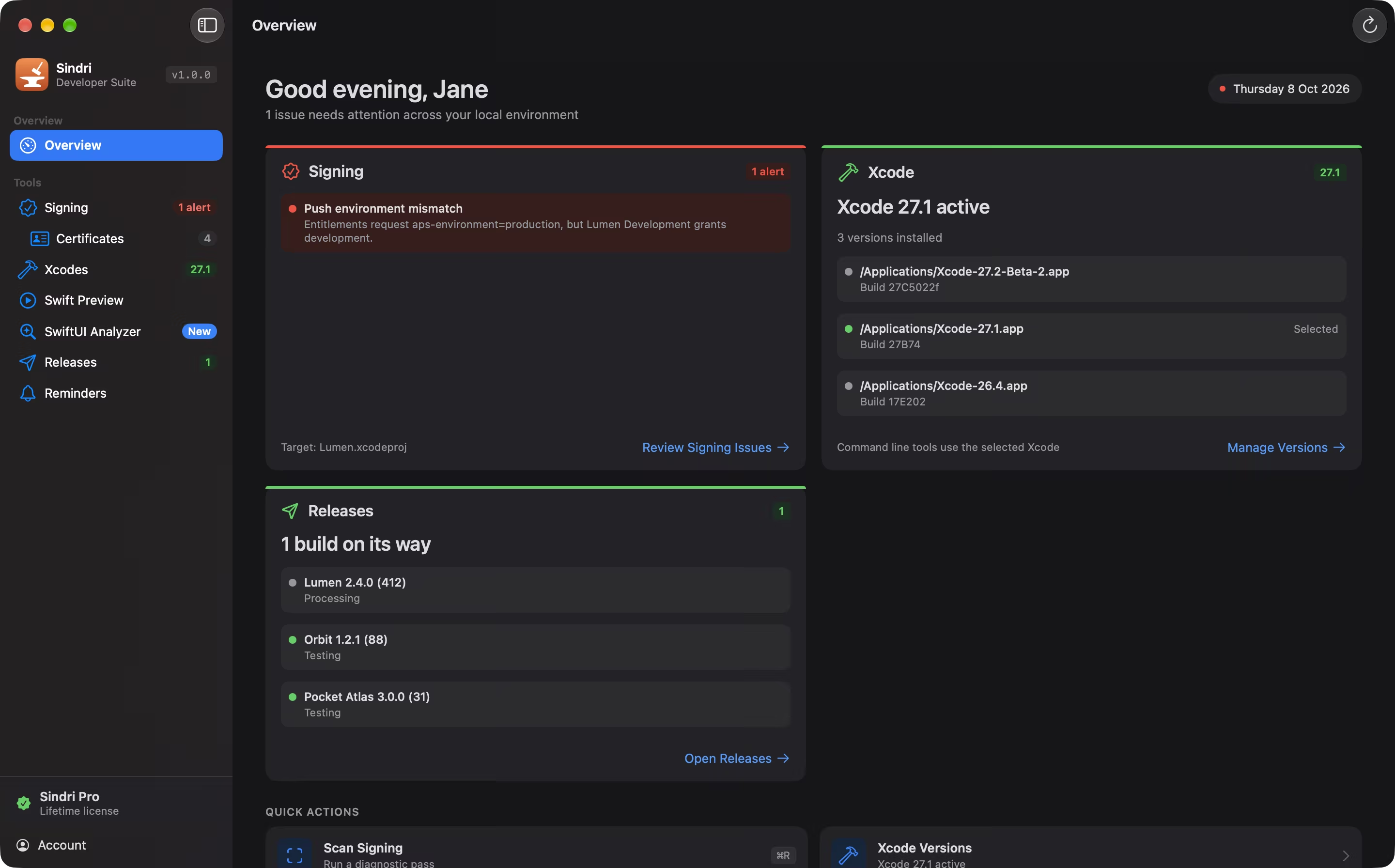
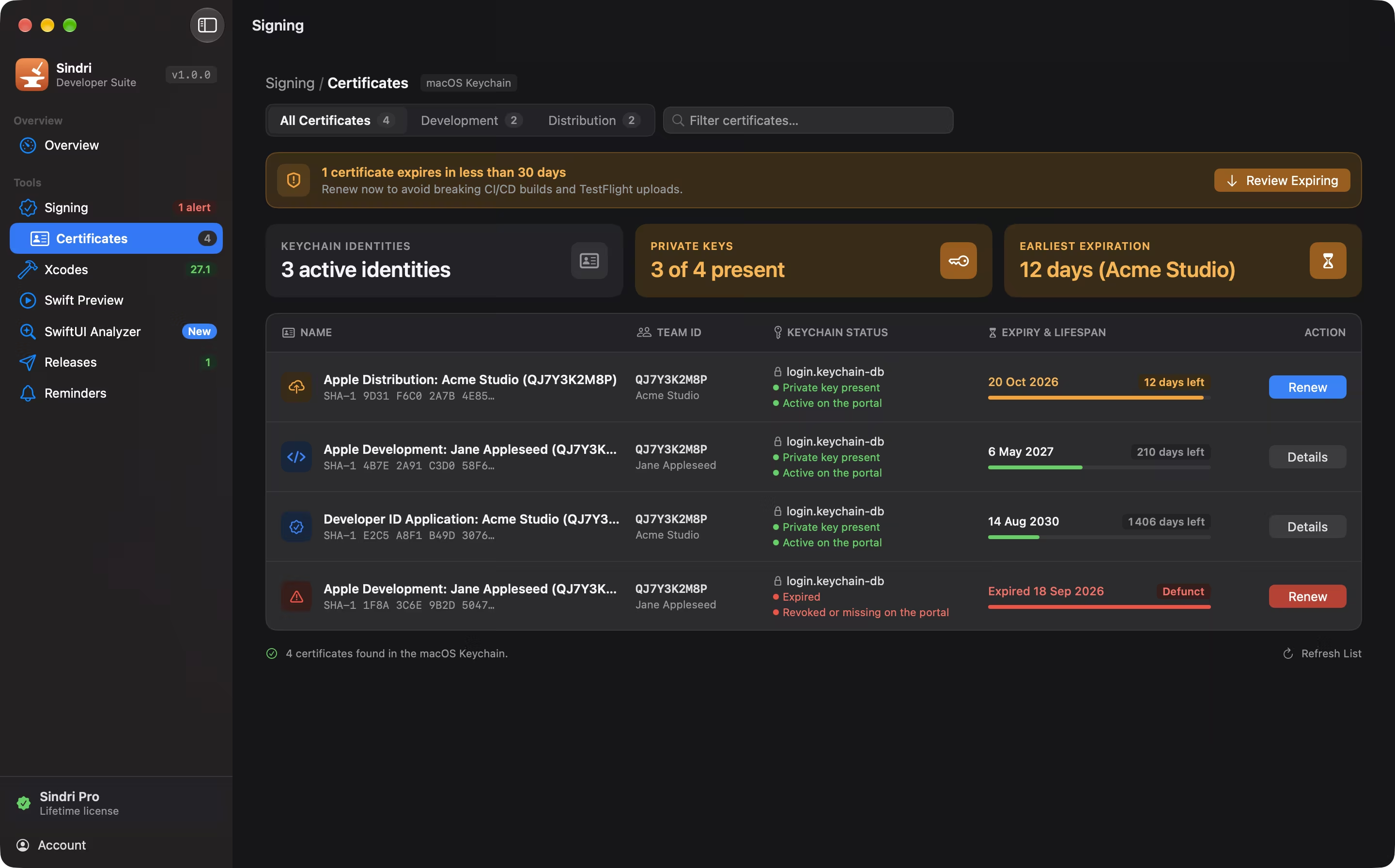
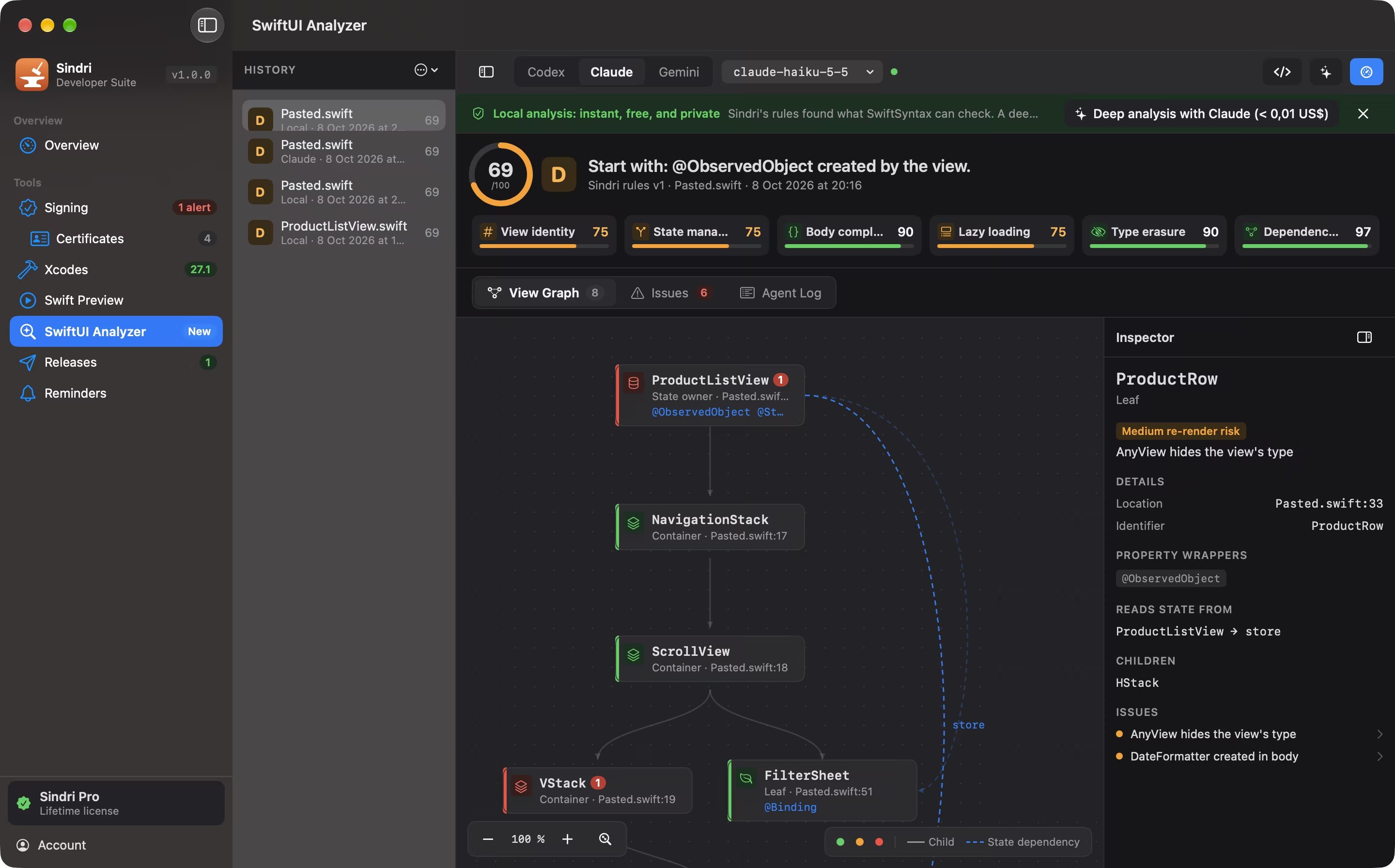
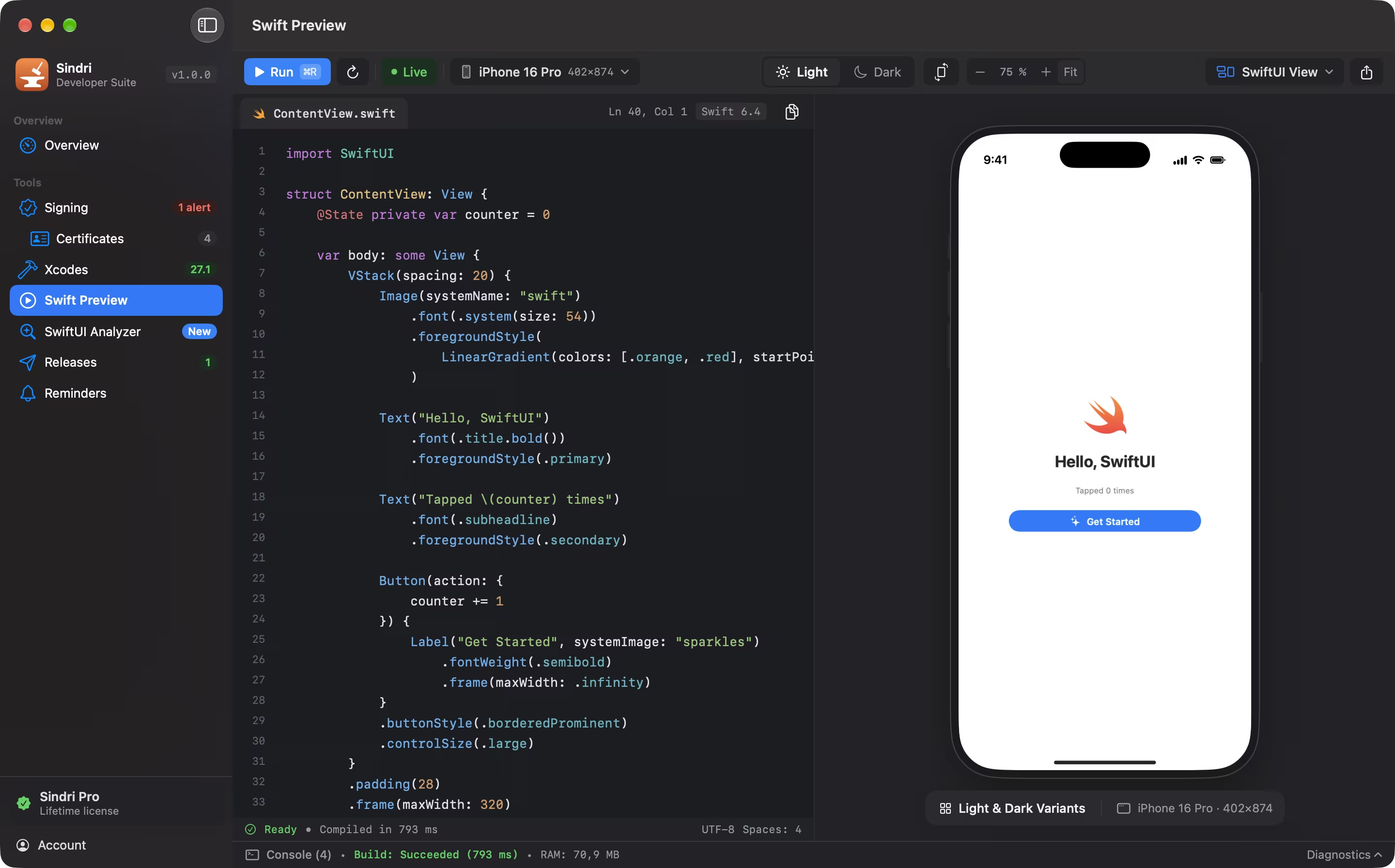
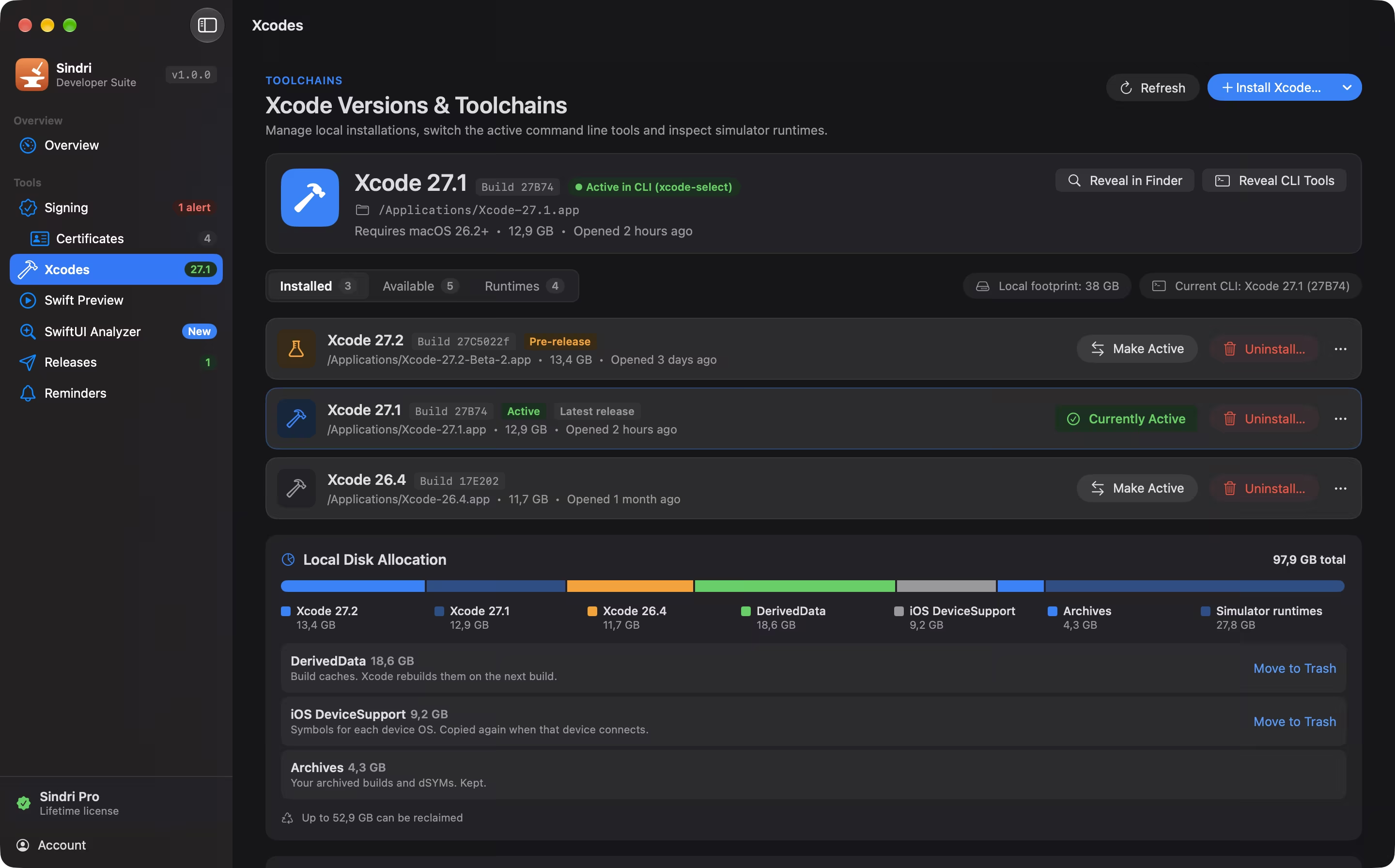
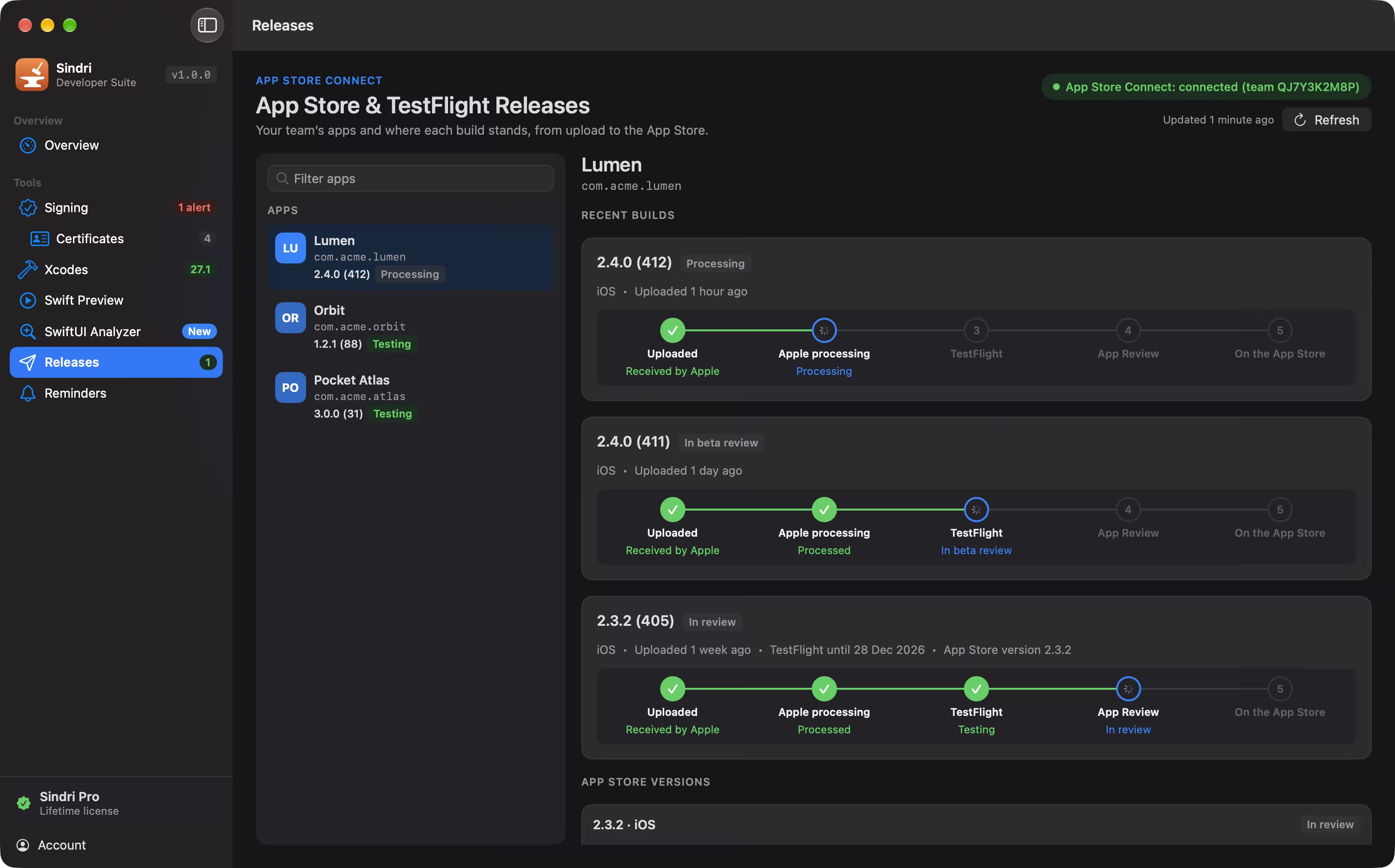
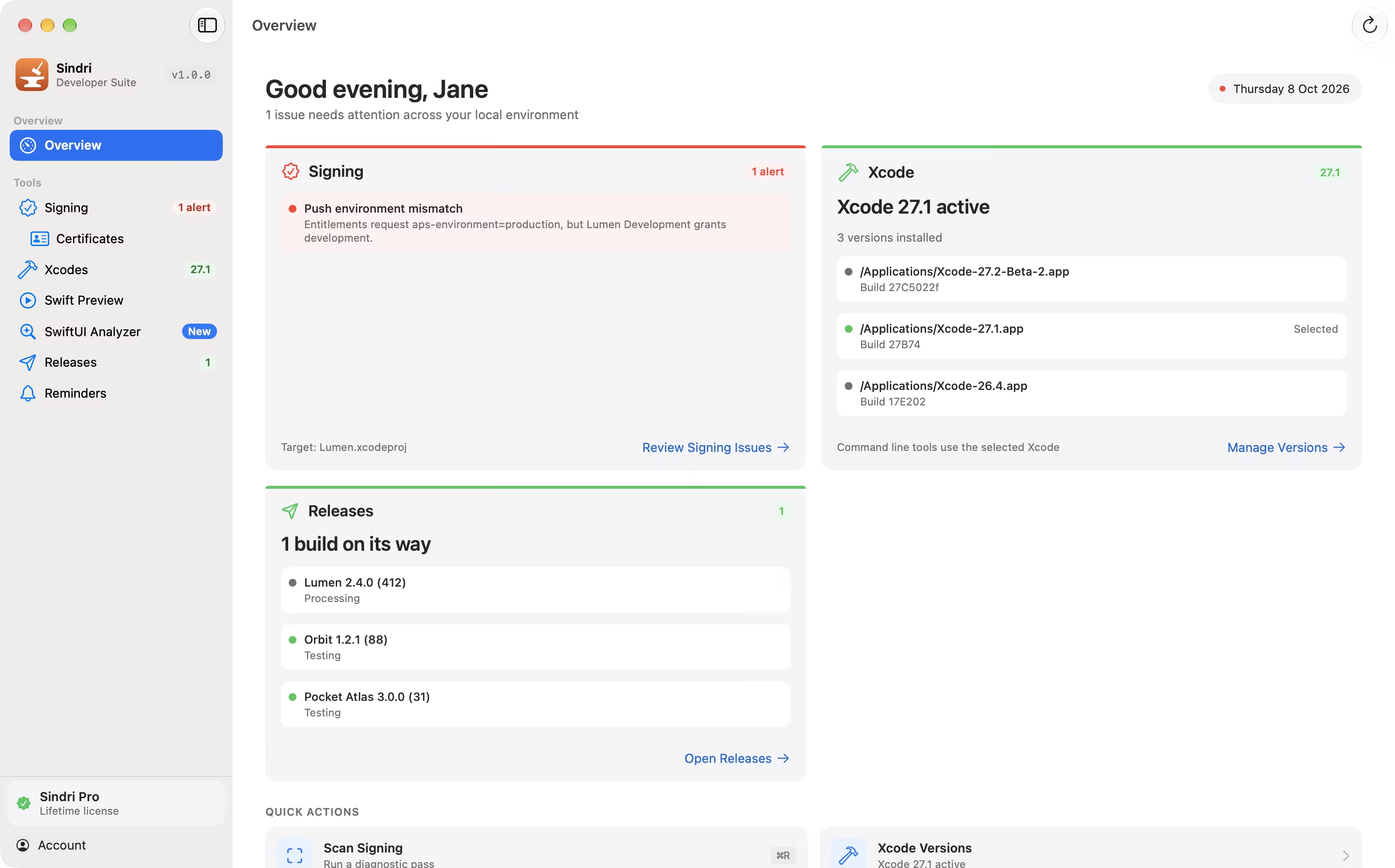
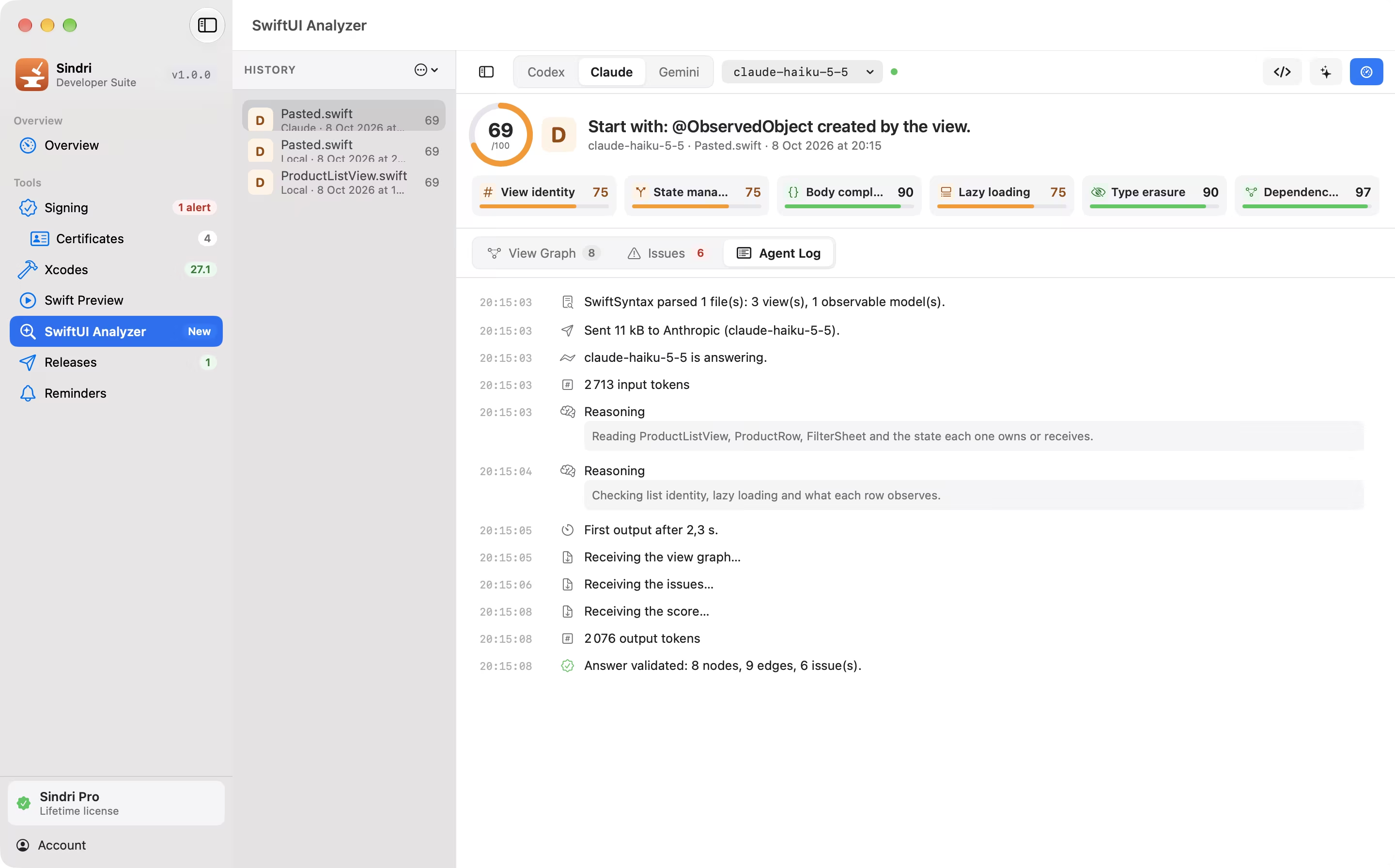
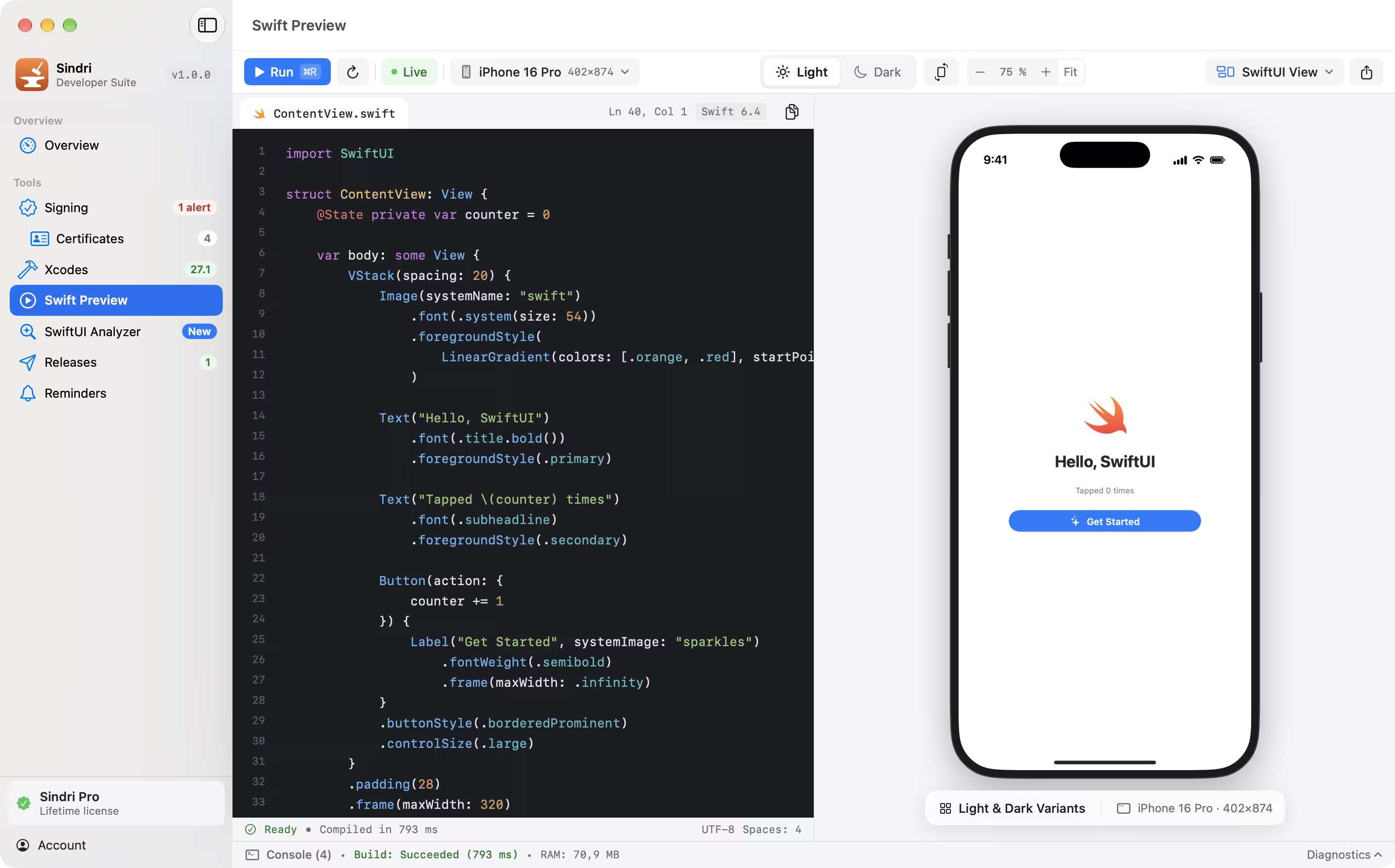
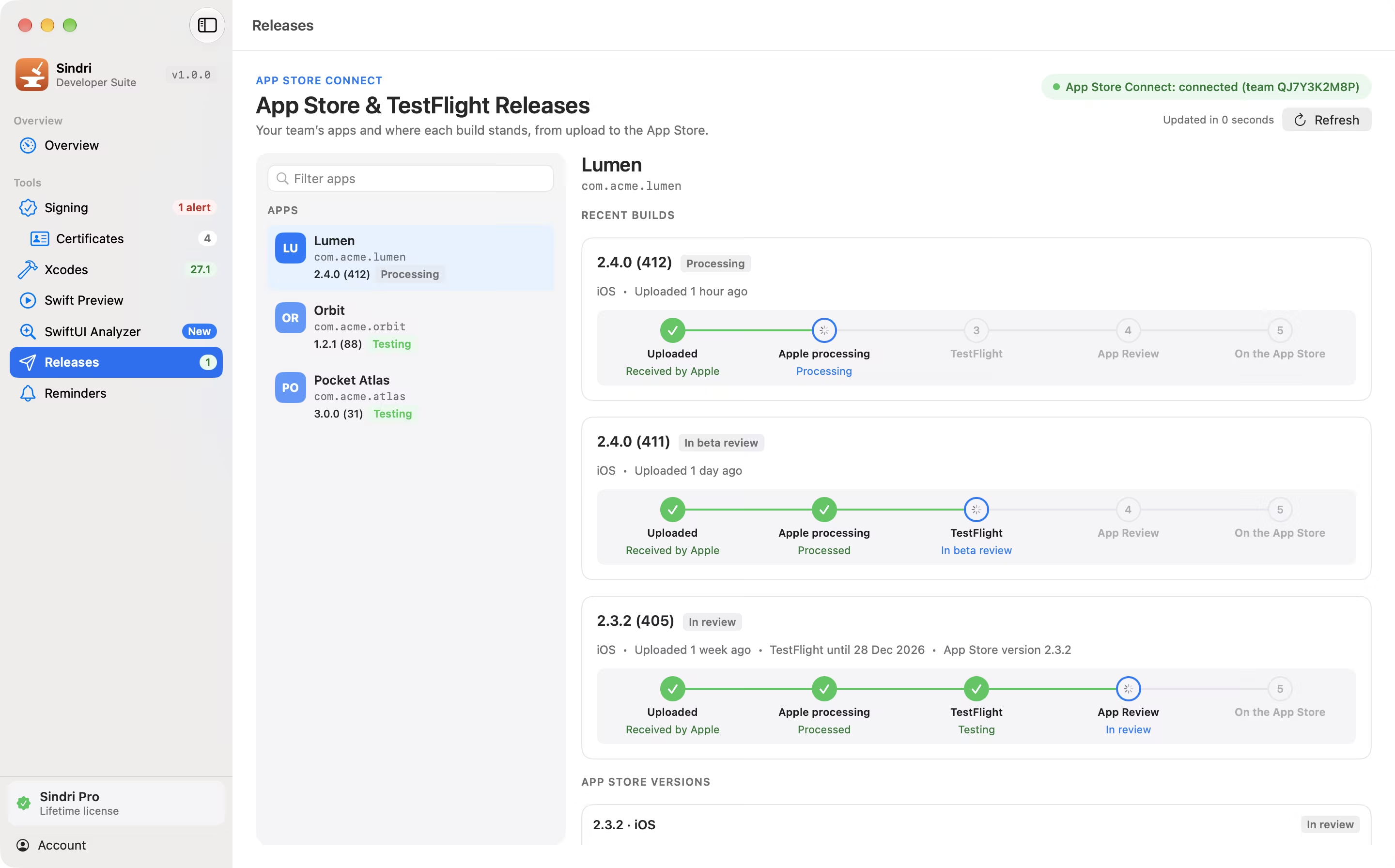
Signing and Certificates are free. Sindri Pro is a one-time purchase of €14.99 that unlocks Xcodes, Swift Preview, SwiftUI Analyzer, Releases and Reminders. There is no subscription.
Can I try Pro before buying?
Yes. A 14-day trial of every Pro tool starts when you choose it in the app, not at install. It needs no account and no card, and runs once per Mac.
What do I need to run it?
A Mac with macOS 15 or later, Apple silicon and Intel. Swift Preview builds with the Xcode toolchain installed on your Mac. Releases and the Developer portal checks use an App Store Connect API key from your own team. The app is in English and French.
What leaves my Mac?
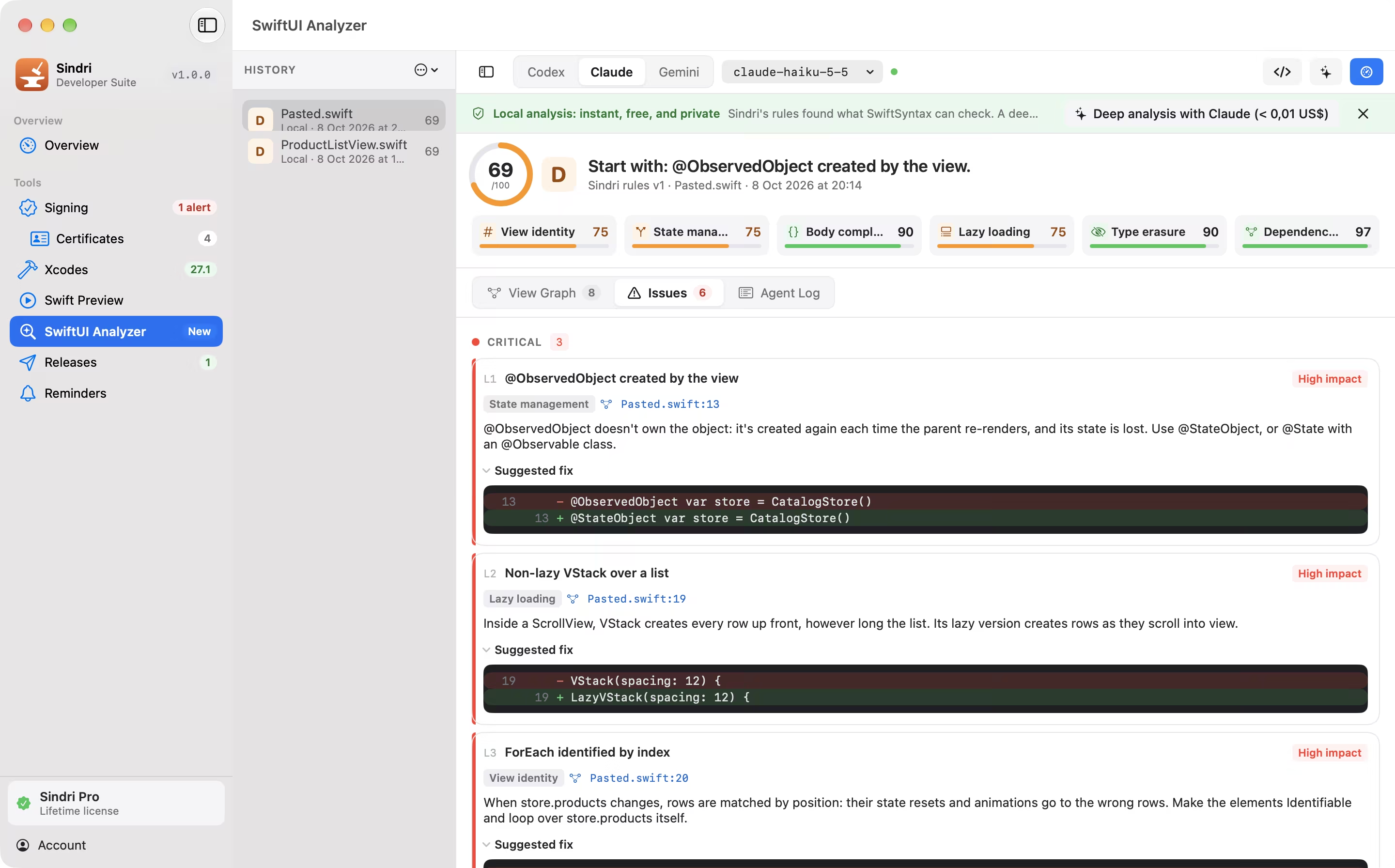
There is no Sindri account and no Sindri server. Requests go to Apple with your own credentials, and to Lemon Squeezy to check your license. SwiftUI Analyzer’s local analysis sends nothing. Its deep analysis, when you ask for it, sends the files you chose to the AI provider you picked, with your own key, after a notice the first time.
Do I need an AI key for SwiftUI Analyzer?
No. Analyze runs locally with Sindri’s own rules. A key from OpenAI, Anthropic or Google is only needed for deep analysis, and it stays in your Keychain.
Will Sindri change my certificates or profiles?
Only when you ask. It reads by default; deleting a certificate from the keychain or renewing one is confirmed first with a summary of what will change, then recorded in the audit log.
How do I install it?
Download the DMG, open it and drag Sindri to Applications. The app is signed with a Developer ID and notarized by Apple.
How do updates work?
New versions are published on the download page. Download the latest DMG and replace the app; your license and settings stay in place.
Does the license work offline?
Yes. It is checked at launch and every few hours, and holds for 7 days without a connection.